Screencasts and screenshots
To get a better view of these screencasts, right click on the image and select “view image” in your browser.
Chirp calibration
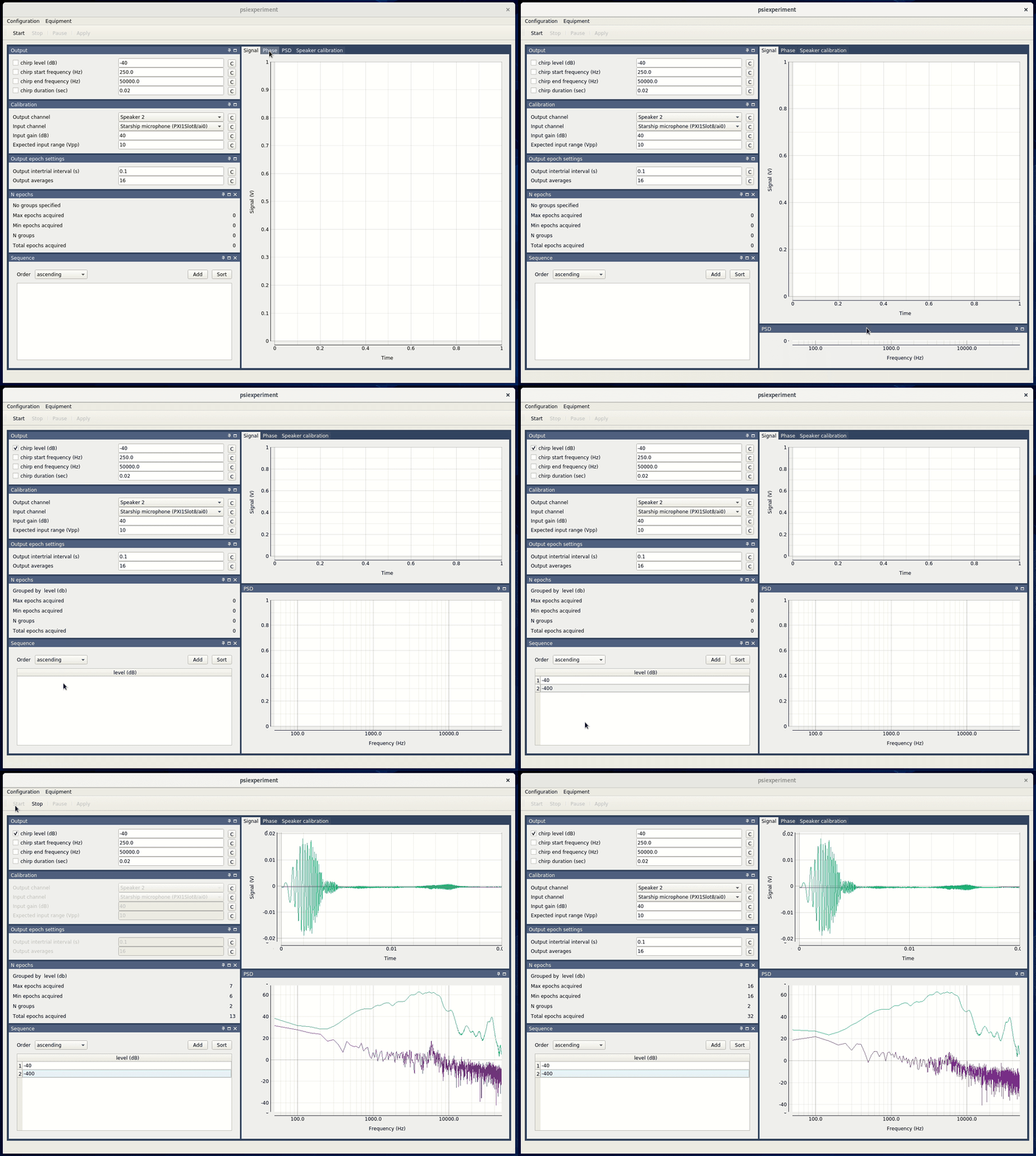
Screencast illustrating several key features of psiexperiment including:
The dock layout (which allows individual tabs to be rearranged)
The ability to select a parameter to acquire multiple values (i.e., we want to acquire responses at two chirp levels).
Real-time plotting and analysis of acquired data (note that the data is automatically broken down by chirp level).
Dynamic Layouts
Psiexperiment provides a modern, dockable interface. Panes can be rearranged, “torn off” into separate windows, or resized to fit your specific workflow. This flexibility ensures that you can monitor exactly what you need during an experiment.